Evernote Clearly
I recently found a simple, yet incredibly useful tool for your web browsing enjoyment. It’s called Evernote Clearly. It’s a browser add-on (for free) that allows you to simplify the text on a webpage with one click of a button. This allows you to focus on what you are reading by dramatically reducing the other distractions on the page that we unknowingly look through. If you are reading a lot of text on a page then you will definitely notice the difference. This is a must-have for anyone who regularly reads blogs or articles on the web. If you have an Evernote account (and you should) it also gives you the option of effortlessly syncing content from what you read into your Evernote folders.
Below I’ve included two contrasting screenshots from my election post last week so you can see an example of the difference.
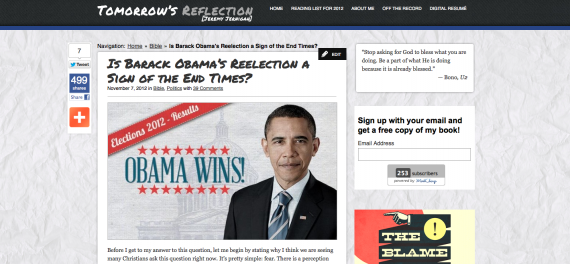
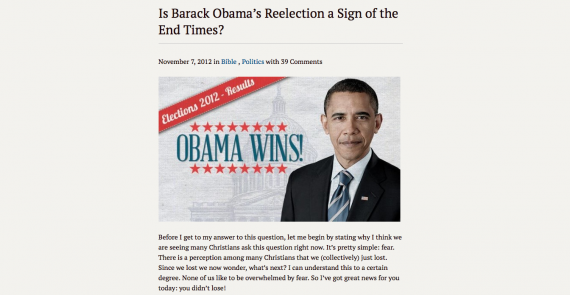 Click here to download it for yourself and happy reading!
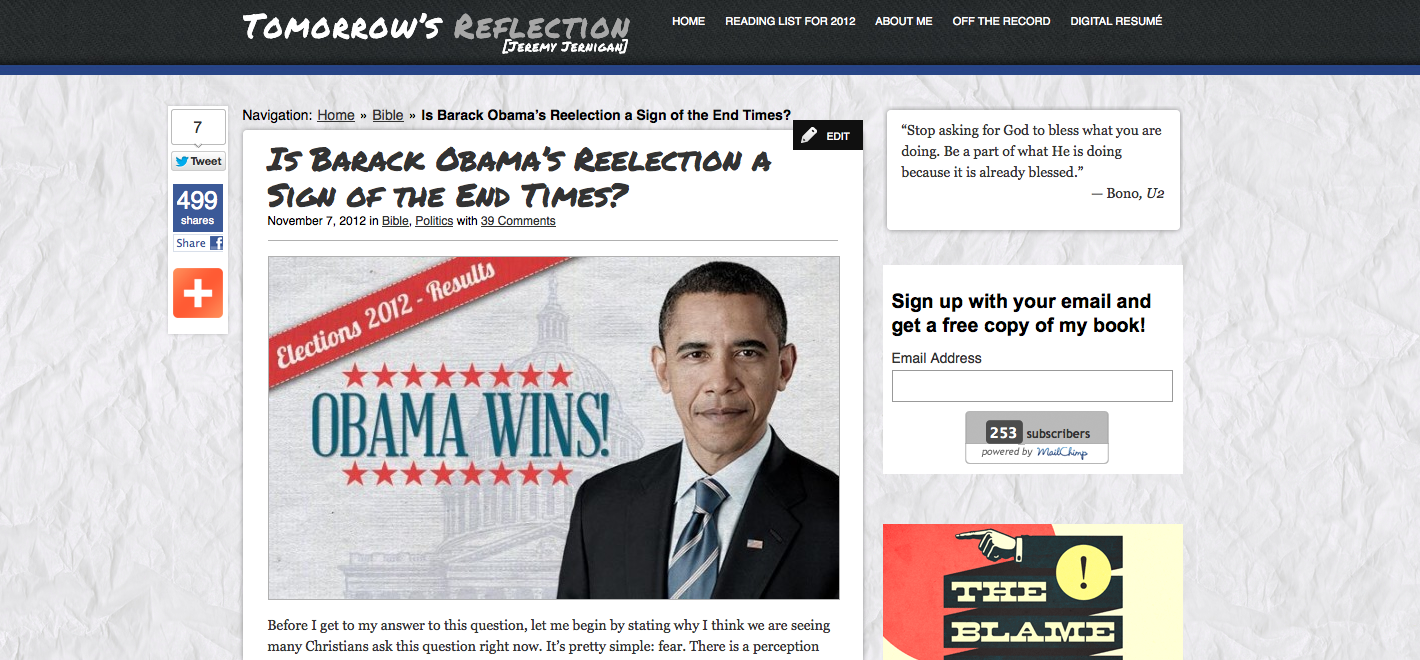
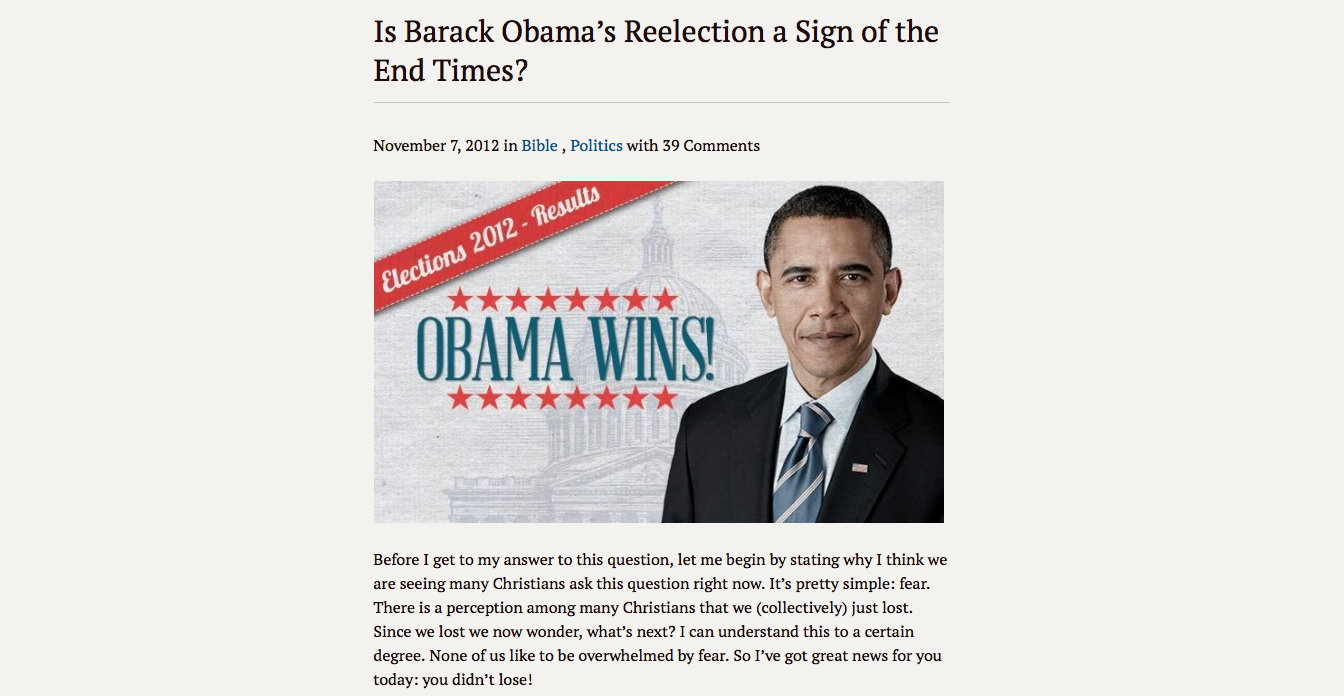 Click here to download it for yourself and happy reading!
Do You Want to Read the Bible Without Falling Behind?
Sign up your email and I’ll send you a PDF to download and use my custom-made reading plan system. There’s no way to fall behind on this system and every day will be different no matter how long you use it!
I’ll send future content directly to your inbox AND you can dive into the Bible like never before.
Download Your Free Copy